There is no shortage of tools promising to run your website for you. AI writers, AI SEO plugins, AI chatbots, AI security scanners. Some of them are excellent. Others are a fresh coat of paint on features that existed years ago. If you run a small business, it is hard to know what you can genuinely hand over and what will come back to bite you.
We look after a lot of websites, and we use AI tools in that work. Here is our honest view of what AI can realistically manage in 2026, and where people still need to be involved.
What AI handles well
Drafting and editing content
AI is a capable writing assistant. It can turn your rough notes into a first draft of a service page, tidy up grammar, suggest headings, write meta descriptions and summarise long documents. For many business owners, the hardest part of updating a website is staring at a blank page, and AI removes that barrier.
Spotting patterns in data
Feed an AI tool your analytics or Search Console exports and it can quickly highlight pages that are losing traffic, search terms you are almost ranking for, or forms with high drop off. It will not always explain why, but it points you in the right direction faster than scrolling through reports.
Routine checks
Broken link detection, image compression, alt text suggestions, uptime alerts and basic accessibility checks are all well suited to automation, AI assisted or otherwise. These are repetitive tasks where consistency matters more than judgement.
Answering common questions
A well configured chatbot trained on your own content can handle simple questions like opening hours, service areas or how to book, outside business hours. The key words are well configured. It needs clear boundaries and an easy path to a human.
Where AI is risky without oversight
Software updates
Keeping WordPress core, plugins and themes up to date is essential for security. Applying them blindly is how sites break. A plugin update can conflict with your theme, a form can stop sending, or a checkout or booking feature can fail quietly. Automation can apply updates, but a person needs to decide which updates to apply, test them, and roll back if something goes wrong.
Security
AI powered scanners can flag suspicious files and known vulnerabilities, which is useful. But responding to a real incident, cleaning a hacked site, closing the hole and working out what data may have been exposed requires experience. So does the boring preventative work: sensible user permissions, strong authentication, reliable backups stored off site, and actually testing that those backups restore.
Publishing unreviewed content
AI can state things confidently that are wrong, outdated or not true for your business. On a website, that can mean incorrect prices, services you do not offer or claims that create problems under Australian Consumer Law. Every AI draft needs a human read before it goes live. Unedited, generic content also tends to perform poorly in search and gives AI search tools nothing distinctive to cite, as we explain in what is AI citability.
What still clearly needs people
- Strategy. Deciding which services to push, which customers to target and what your site should achieve this year is a business decision, not a technical one.
- Accountability. When something breaks at 9pm before a big promotion, you need someone who will pick up the phone and fix it.
- Judgement on trade offs. Should you replace that ageing plugin, rebuild a section, or leave it alone? AI can list options. Someone who knows your site and budget should choose.
- Relationships with vendors. Hosting, domain renewals, licence keys, email deliverability and third party integrations all involve accounts, billing and occasional arguments with support desks.
- Your voice and knowledge. The details that make your business worth choosing live in your head, not in a language model.
A quick word on AI chatbots
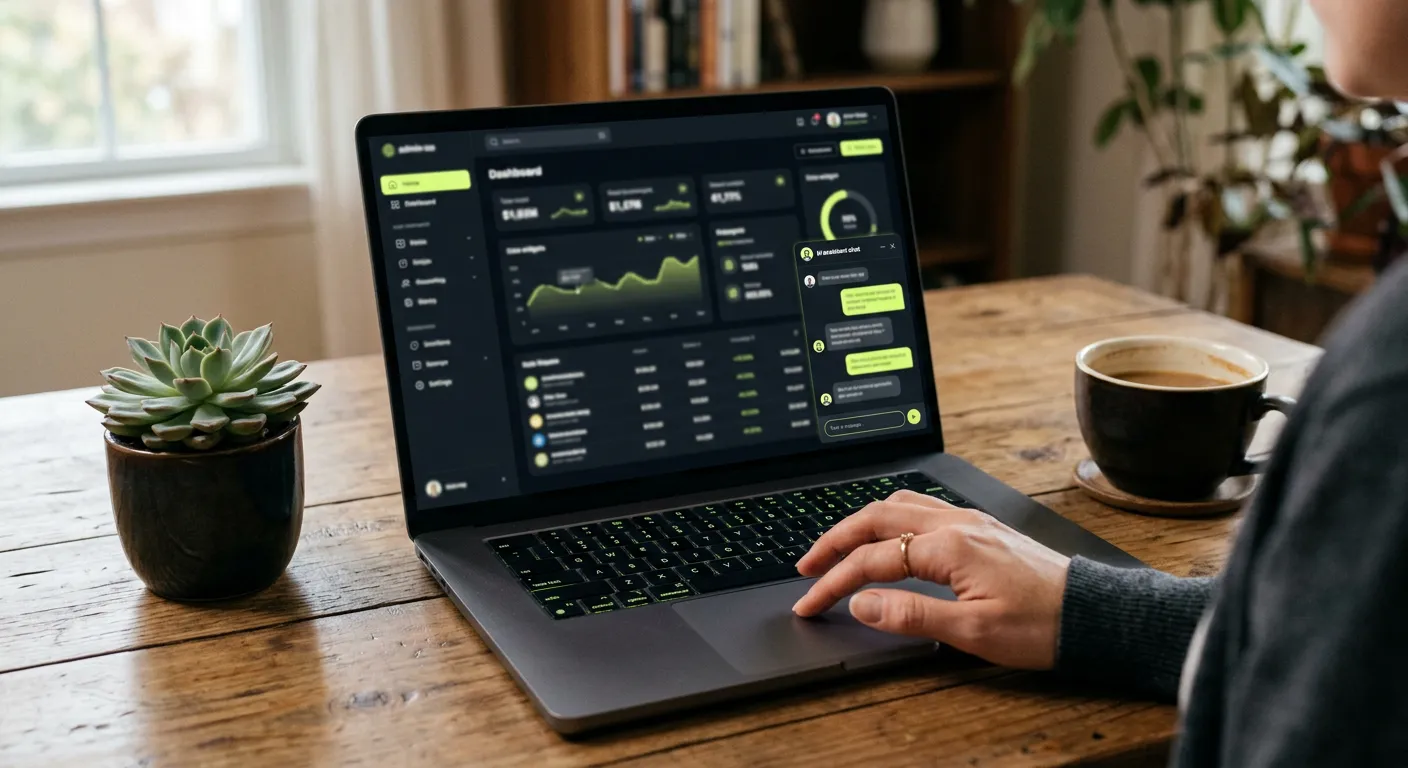
Chatbots deserve their own mention because they are the most visible AI feature on a website and the easiest to get wrong. A chatbot speaks on behalf of your business. If it invents a policy, quotes the wrong price or gives advice it should not, customers will reasonably hold you to it. Before adding one, decide exactly what it is allowed to answer, feed it only your approved content, and make sure it hands over to a person for bookings, complaints or anything sensitive. Review its conversations regularly. If you would rather route enquiries to real people, a managed help desk may suit you better.
A sensible split of responsibilities
| Task | AI or automation | Person |
|---|---|---|
| Content drafts and edits | First draft, suggestions | Fact check, voice, approval |
| Updates | Notification, scheduling | Testing, decisions, rollback |
| Backups | Run automatically | Verify restores work |
| Security | Scanning, alerts | Hardening, incident response |
| Performance and SEO | Monitoring, reporting | Interpreting, prioritising fixes |
| Customer questions | Simple FAQs | Anything nuanced or sensitive |
How to get the benefits without the risks
- Use AI for drafts and analysis, never for final decisions on its own.
- Keep a staging copy of your site for testing updates if it is business critical.
- Make sure backups are automatic, stored somewhere other than your hosting, and tested occasionally.
- Limit admin access. AI plugins that need broad permissions deserve extra scrutiny.
- Have a named person or provider responsible for the site, even if that person uses AI heavily.
If you are thinking about AI for more than your website, such as automating enquiries or connecting your systems, our AI integration and automation service is designed for that. And if you are curious about AI building software from scratch, read can AI build your app.
Let us handle the parts that need people
Our WordPress hosting, maintenance and support plans combine automation for the repetitive work with real people for updates, security and fixes, so you get the efficiency without the guesswork. Want to know what your site needs? Talk to us.